This is IT
monitoring and management
done
right
Get the full picture and respond quickly to issues. Patch management, remote control, network discovery, all built into one beautiful and easy-to-use solution.
GET STARTED IN NO TIME
Got a minute? That’s how long it takes to deploy and install a
powerful and lightweight agent on all of your devices.
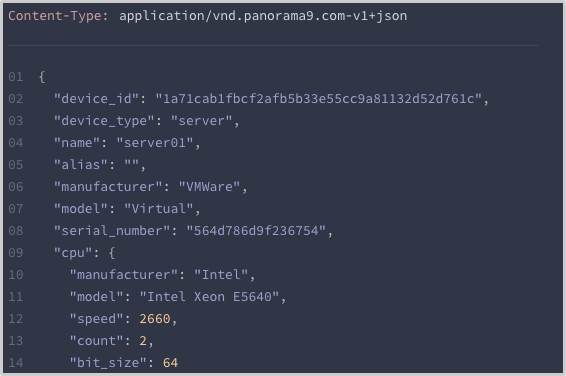
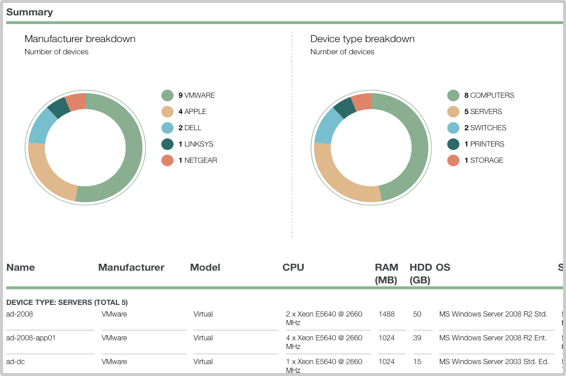
Within minutes you are provided with detailed
information about your IT environment.
REGAIN CONTROL
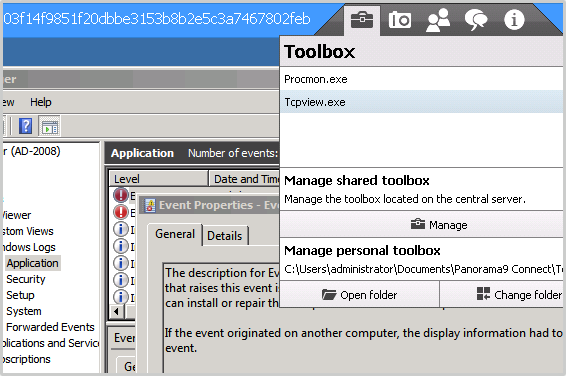
IT administration is complex but we make your job easier. Automatically discover devices and services in your IT environment. Remote install applications and run scripts. Everything you need in one comprehensive tool.
KEEP EVERYONE HAPPY
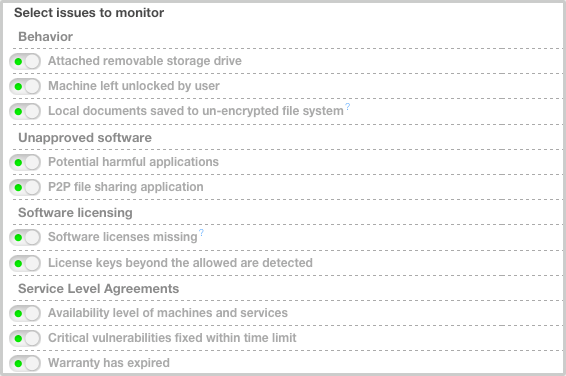
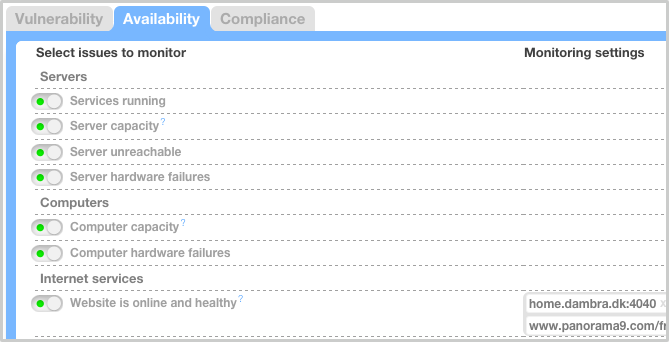
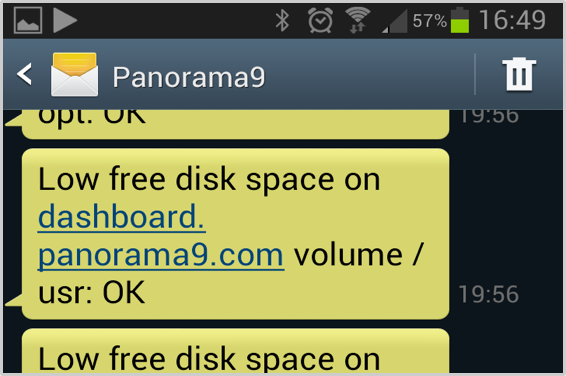
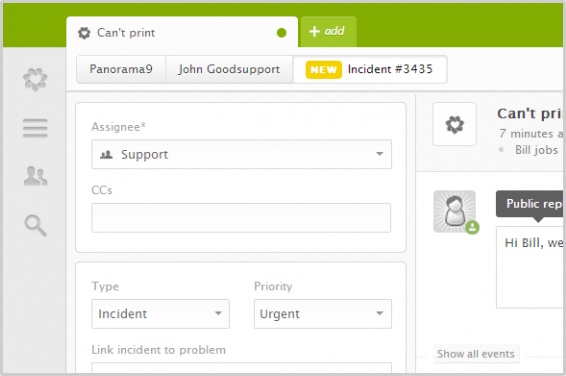
Downtime is unacceptable. Panorama9 foresees problems so you can be proactive instead of reactive. When things do go wrong you are notified instantly and can take action before your users notice anything.
SECURE YOUR ASSETS
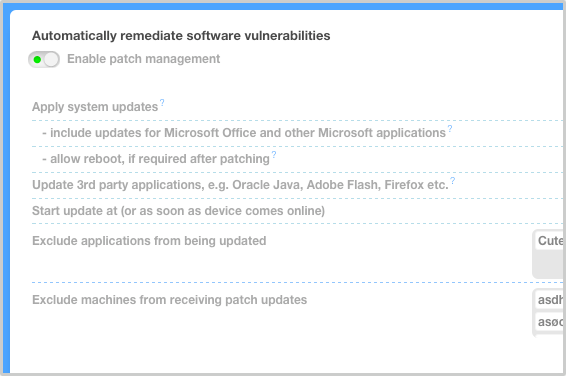
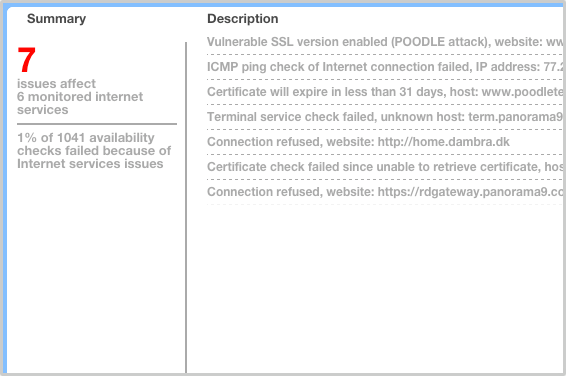
Your security is only as strong as the weakest link - we'll tell you where that is. Plus we update your machines automatically, track lost assets, spot suspicious network traffic, and keep everyone safe.
YOU'RE IN FOR A BLAST!
Here are 4 laser sharp reasons why you should join!




Quick start
Be efficient
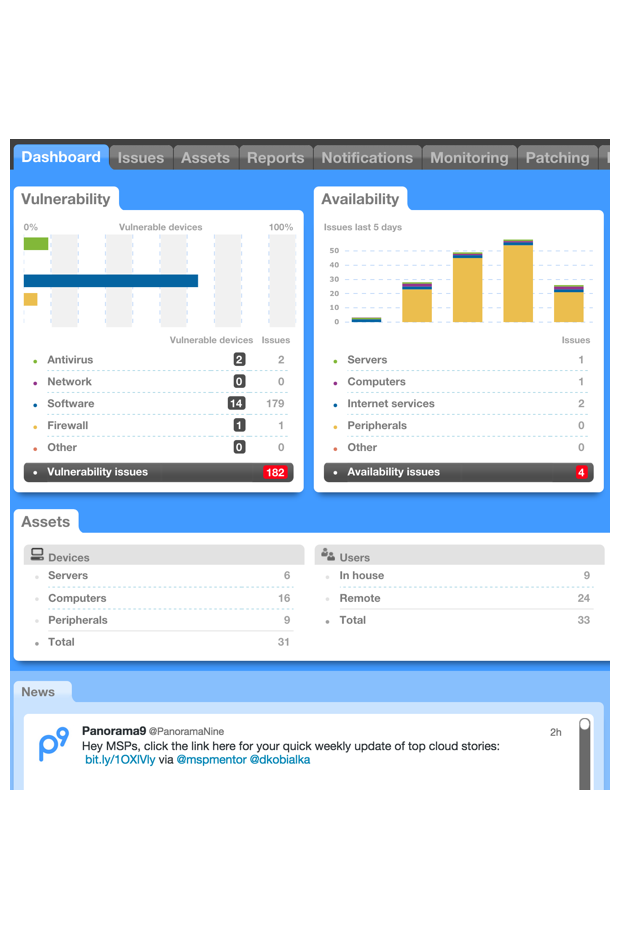
Unlike software or appliance solutions that take months or years to deploy, Panorama9 can be up and running in minutes.
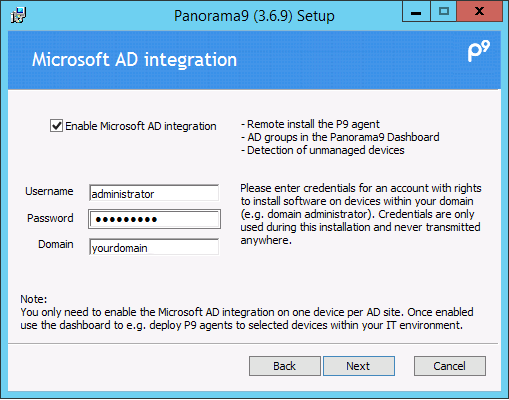
Install the lightweight P9 agent on one of your computers and deploying to other devices within your IT environment can be done automatically. Remote users and their computers can also easily be included.
Maintenance free
Save time
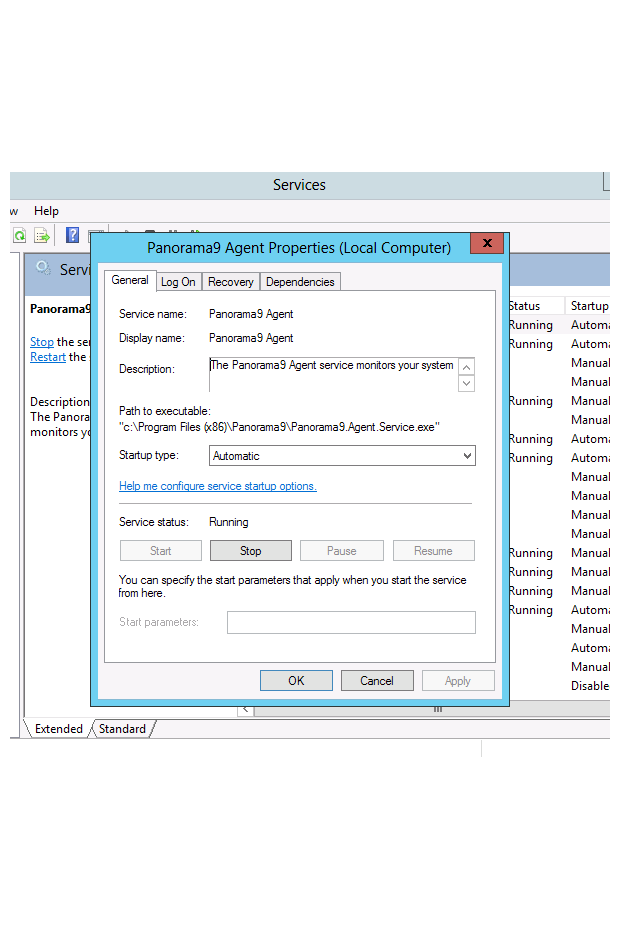
We assume the responsibility for updating the P9 system. You can then continue to be efficient and focus on what matters most.
Devices within your IT environment with the P9 agent installed will regularly check if an update is available. Installation of the update is done automatically and silently in the background.
Sane defaults
Continued value
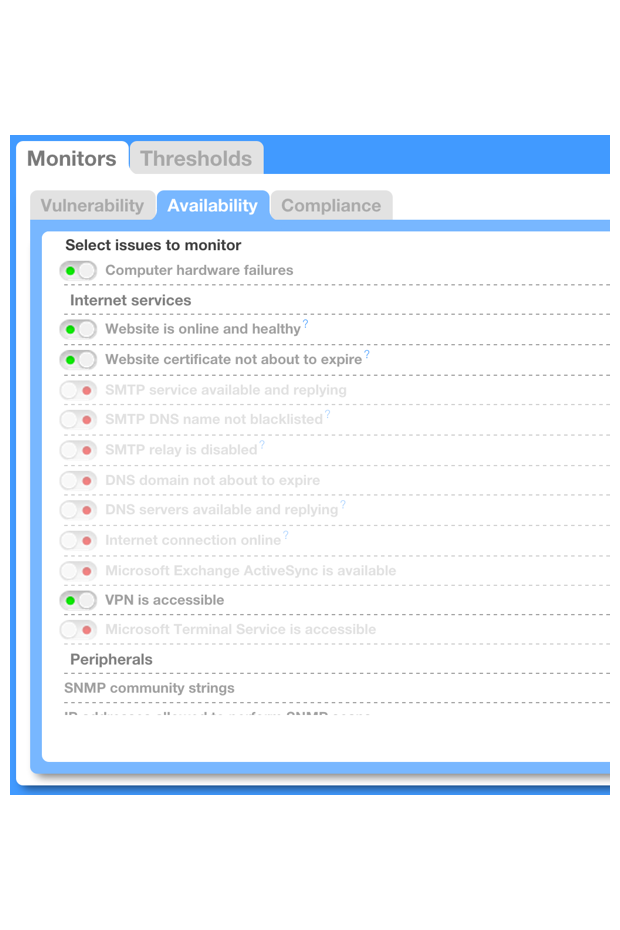
We know what it's like to monitor and manage devices that are constantly moving around, being updated, or having their configuration changed.
The P9 agent will automatically spot changes and if anything seems out of place, you are instantly notified through email or any of our many integration options.
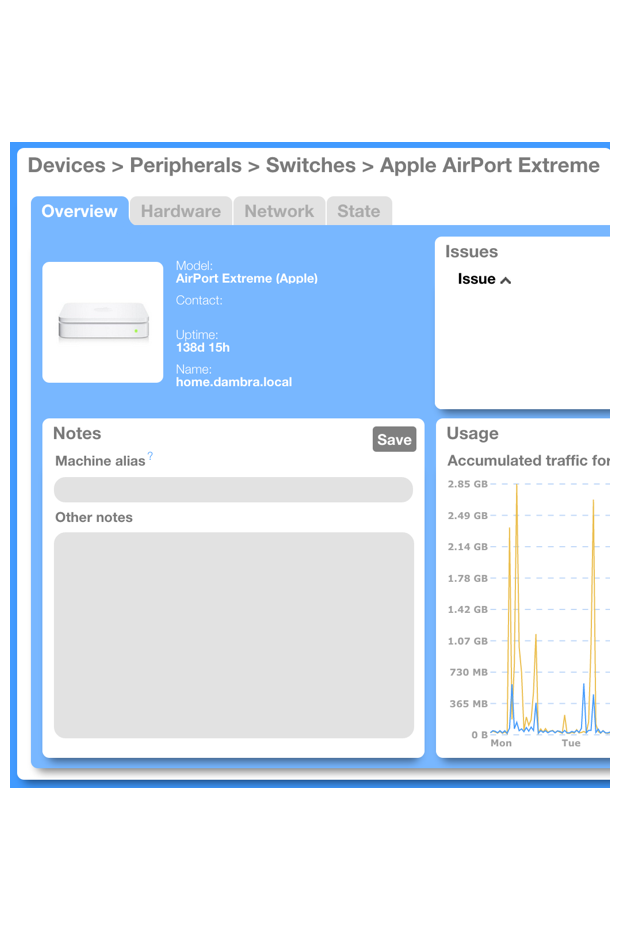
Network discovery
The full picture
Your network is full of printers, switches, storage solutions, etc. that users requires to be online and working. P9 will automatically spot and include them.
Complicated configuration instructions are not needed. We will detect the type of device and then ensure relevant metrics are extracted and analyzed.
HARD FACTS
We love data and numbers. Here are some of ours
10min
and you will have a complete analysis of your computer.
4MB
network traffic generated daily by the P9 agent (on average).
3952
daily health checks against each device (on average).
365+
days of detailed history stored in the cloud at least a year back.
PRICING
Try it, to know it's the best! Once you've signed up for a free 30-day trial you will get to know how Panorama9 works and how it can help you keep your IT environment safe.
$1.79
BASIC
- P9 Agents for Windows, Mac and Linux
- Asset Management
- Monitoring
$2.89
PREMIUM
- P9 Agents for Windows, Mac and Linux
- Asset Management
- Monitoring
- Automated Patch Management
- Notifications
- Reports
- P9 Connect - Remote control
- Remote Command and Powershell access
- 10+ Integrations (Zendesk, ScalePad, Computicate PSA, etc.)
- Powerful scripting feature
- API
MSP
Ask Us
- P9 Agents for Windows, Mac and Linux
- Asset Management
- Monitoring
- Automated Patch Management
- Notifications
- Reports
- P9 Connect - Remote control
- Remote Command and Powershell access
- 10+ Integrations (Zendesk, ScalePad, Computicate PSA, etc.)
- Powerful scripting feature
- API
- Templates
- Extensions
You have a free 30-day trial. Before your trial ends, let us know how you want to proceed. If you choose not to proceed, we will simply deactivate your login.
TRUSTED BY THOUSANDS OF CUSTOMERS!
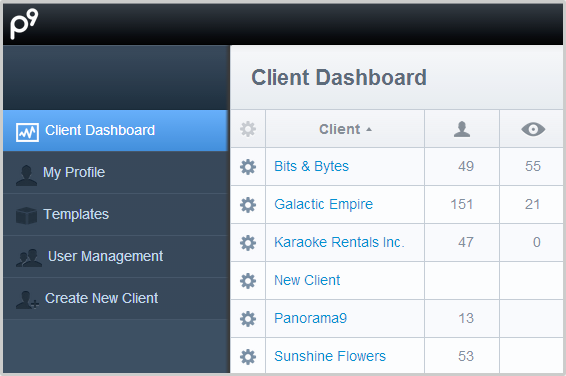
Whether you are managing 10 or 10,000 computers across multiple
locations
Panorama9 can make your life easier. Word up!

Alex Perez, Systems Analyst, Control Group
Panorama9 is easy to use, makes us more productive, and gives us everything we need to remotely manage our customers’ networks.

Panorama9 gives us the information we need, when we need it; hardware serial numbers, software licenses and patch levels etc.

Kelly Thompson, IT Manager, EndoChoice
As we grow and expand internationally, we’re confident that we can scale our network and manage all of our assets because of Panorama9.

Jakob Knutssoen, CEO, SoftCom Solutions
The time we save on automated tasks is vast. The best thing is that they can be done remotely.
WHAT WE CAN DO FOR YOU
Contact
Reach out and let us cure your IT headaches
GENERAL INQUIRIES
sales@panorama9.comSUPPORT
support@panorama9.comLEGAL AND SECURITY INQUIRIES
legal@panorama9.com dpo@panorama9.com-
HQ
95 3rd St, 2nd Floor
San Francisco, CA 94103
USA
-
EUROPE
Panorama9
(owned by Anytech365 - AI Powered IT Security)
Edif. Los Pinos, Local 3, km 189
29604 Marbella, Malaga
Spain
Av. Isabel Manoja 3
29620 Torremolinos Malaga
Spain
Contact
Reach out and let us cure your IT headaches
Show Location
-
GENERAL INQUIRIES
sales@panorama9.com -
SUPPORT
support@panorama9.com -
LEGAL AND SECURITY INQUIRIES
legal@panorama9.com dpo@panorama9.com -
HQ
95 3rd St, 2nd Floor
San Francisco, CA 94103
USA
-
EUROPE
Panorama9
(owned by Anytech365 - AI Powered IT Security)
Edif. Los Pinos, Local 3, km 189
29604 Marbella, Malaga
Spain
Av. Isabel Manoja 3
29620 Torremolinos Malaga
Spain